DigitPro
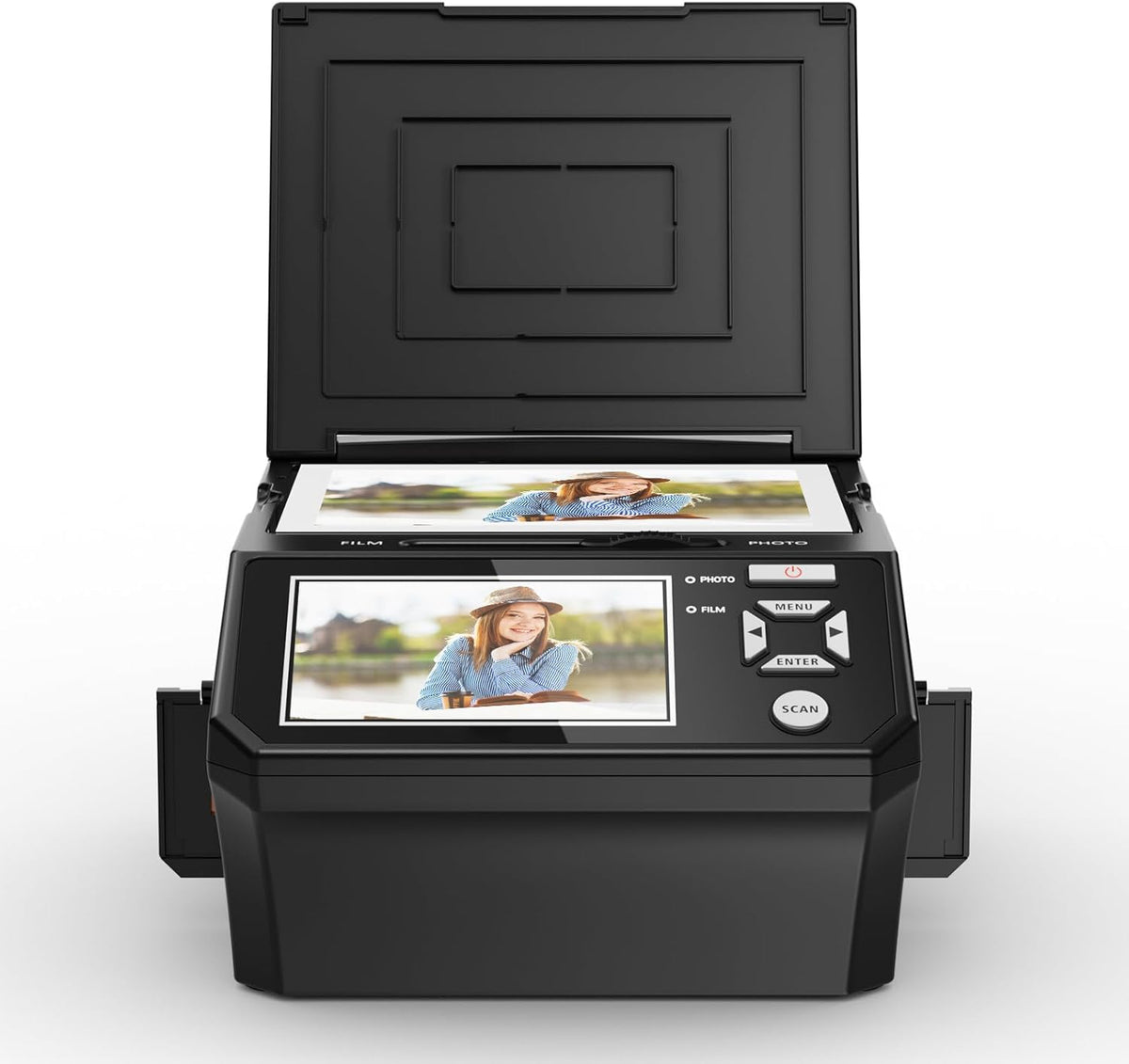
Film & Photo Scanner with 5" LCD Screen, Converts Photo, 135/110 Film Negatives & Slides, Business Card to 22MP Digital Photos, 8GB SD Card Included
Film & Photo Scanner with 5" LCD Screen, Converts Photo, 135/110 Film Negatives & Slides, Business Card to 22MP Digital Photos, 8GB SD Card Included
Couldn't load pickup availability
【Large 5" LCD Preview Screen】Features a crystal-clear 5-inch LCD with wide viewing angle. allowing instant preview and basic editing without a computer. Easily adjust brightness. color. and resolution directly on the screen for optimal results.
【Fast Stand-Alone Operation】No computer. software installation. warm-up. or calibration required. One-touch scanning converts film and photos to digital files in seconds. Built-in 128MB memory plus included 8GB SD card provide convenient storage right out of the box.
【Built-in Memory & SD Card Included】Built-in 128MB memory plus an included 8GB SD card provide flexible and convenient storage right out of the box. Save. review. and transfer scanned images easily via USB.
【Easy to Use with Complete Accessories】User-friendly interface with simple menu options makes scanning effortless for beginners and seniors alike. Includes multiple film and photo holders. cleaning tools. power adapter. USB cable. and OCR software for organizing business cards efficiently.
- When scanning photos. please turn the toggle to "Photo"
- Lay the proper adapter onto the upper left corner of the scanner's PC board at the mark. place the photo at the scanner. and make sure the photo is back side up. Then cover the scanner's lid
- When scanning films. please turn the toggle to "Film"
- We have 3 types of film holders: 110 film holder. 135 film holder. and 6 frames film holder.
- Note: Handle slides with care. Any dust scratches or fingerprints will show up on your saved images. You'd better to cotton gloves when handling slides.
The film and photo scanner has built in 128MB of memory. Or you can save digital files to an SD card ( included 8GB memory card). To transfer the digitized photos. simply plug the USB connection cable into any USB port on your PC or Mac and put the scanner in USB transfer mode.
Ensure the film/slides/photo are clean and that you clean the inside of the scanner with the included cleaning brush immediately before scanning.
What film can the Film scanner scan?
The 22MP Digital Film Scanner allows you to view and convert old color and B&W negatives 135. 110mm and 35mm slides and business cards and photos 5R. 4R. 3R to digital photos.
What needs to be note when scanning negatives/slides?
The toggle switch should be set to 'FLIM'; enter the menu FILM TYPE option to select the corresponding film mode.
What needs to be note when scanning photos?
The toggle switch should be set to 'PHOTO'; enter the menu 'Crop' option to select the corresponding photo size.
SAVE OLD PHOTO MEMORIES
How can I get the best quality scan possible?
What film can the Film scanner scan?
What needs to be note when scanning negatives/slides?
What needs to be note when scanning photos?
Share